
By AlifTech Secure | Networking & IT Solutions, Indore | May 2026 www.aliftechsecure.in
A cabling contractor will tell you wireless is unreliable. A Wi-Fi dealer will tell you cabling is outdated. Both answers are shaped by what the person sells.
But the honest answer depends on your office size, how many people use the network at once, what kind of work you do, and also how often the layout changes.
This guide covers what each option genuinely does well, where each falls short, what both cost in Indore, and the one fact about wireless that most wireless pitches leave out.
Quick Answer
- Cable everything that does not move. Servers, printers, cameras, fixed workstations.
- Wireless for everything that does. Laptops, phones, meeting rooms, visitors.
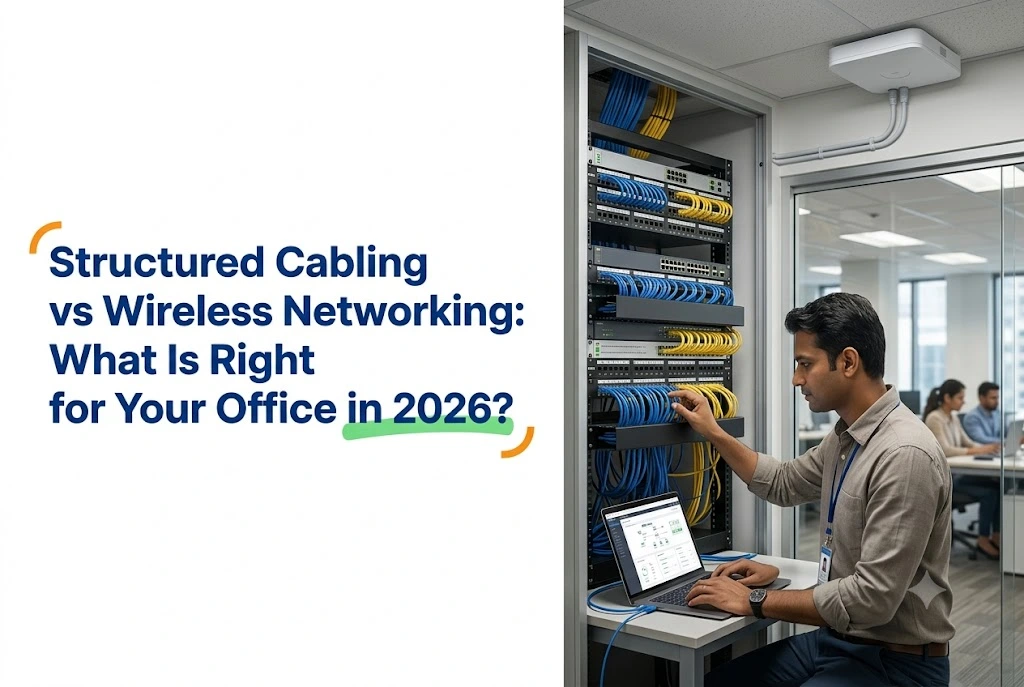
- Every access point still needs a cable back to the switch. A fully wireless office does not exist.
- Cabling lasts 15 to 25 years. Wireless hardware needs replacing every 4 to 6.
- Wi-Fi 6E became legally usable in India only in January 2026, which changes the upgrade maths.
What Structured Cabling Actually Means
A planned system of network cables, typically Cat6 or Cat6A, running from a central patch panel to every fixed point: desks, meeting rooms, printers, cameras, access points.
So rather than cables run wherever convenient, a structured system follows a standard layout, with every run labelled, tested and terminated properly at both ends.
What you get
Cat6 supports 1 Gbps across the full 100-metre run, and considerably higher speeds over shorter distances, while Cat6A holds more. Because Cat6A is thicker and better shielded, it holds 10 Gbps across the entire 100 metres, which matters for large file transfers, video work and data-heavy applications.
Cabled connections also do not suffer the interference, signal drops or congestion that affect wireless when many devices compete for the same airwaves.
A wired connection is inherently more secure too, since someone needs physical access to your office and your cabling to intercept data, whereas a Wi-Fi signal extends beyond your walls. For businesses handling client financial data or proprietary work, that difference is real.
What Wireless Networking Actually Means
Access points placed around the office broadcast a signal that devices connect to without cable. Modern units support Wi-Fi 6 or 6E, handling far more simultaneous connections than earlier generations.
The appeal is straightforward. Staff move between desks, meeting rooms and the cafeteria without losing connectivity, and a new workstation needs no cable run at all.
The real limitations
Wireless performance is not constant the way cabled performance is. As more devices join one access point, available bandwidth divides among them and speed drops. Walls, furniture and other electronics also interfere, so dead zones appear in larger or awkwardly shaped offices.
Security exposure is higher too, since the signal reaches beyond your office and a poorly secured network can be reached from outside without anyone noticing.
And here is the part wireless-only pitches leave out. Every access point needs a wired connection back to the network switch to work at all. So even a fully wireless office still runs on structured cabling underneath. There is less of it, though it never disappears entirely.
.

Wi-Fi 6E: What Changed in January 2026
Worth knowing before you compare quotes, because it explains the price difference on 6E hardware and it is recent enough that most guides have not caught up.
On 20 January 2026, the Ministry of Communications published Gazette rules delicensing the lower 6 GHz band, 5925 to 6425 MHz, for low power and very low power wireless access systems. No licence or frequency assignment is required.
Since that block is what Wi-Fi 6E and Wi-Fi 7 use, it allows one continuous 320 MHz channel or three 160 MHz channels.
Before that date, the 6 GHz radio in a Wi-Fi 6E access point could not legally be used in India. Laptops and phones have carried 6E chips since around 2020, though the radio sat idle here until then. So a business that bought 6E hardware in 2024 or 2025 paid a premium for a band it could not operate on.
Two practical consequences. First, 6E is now genuinely worth considering where device density justifies it. Second, only the lower half of the band was delicensed, since 6425 to 7125 MHz is retained for potential mobile use, so India has less 6 GHz capacity available than the United States.
The rules also prohibit use on oil platforms, in vehicles such as cars and trains, on boats and drones, and on aircraft below 10,000 feet. None of that affects a fixed office, though it matters if you were considering 6 GHz for vehicle or mobile applications.
Side by Side
| Factor | Structured cabling | Wireless networking |
|---|---|---|
| Speed and consistency | Consistent 1 to 10 Gbps by cable type | Variable, drops as devices connect |
| Reliability | Very high, no interference | Good, affected by walls and congestion |
| Security | Physical access needed to intercept | Signal extends outside, needs strong encryption |
| Upfront cost | Higher, cable plus termination labour | Lower, fewer units needed initially |
| Long-term cost | Lower, 15 to 25 year life | Higher, replacement every 4 to 6 years |
| Flexibility | Fixed points, moving desks needs new runs | High, connect anywhere in range |
| Installation disruption | More, routing through walls or ceilings | Minimal, mount and configure |
| Best for | Servers, cameras, printers, fixed desks | Laptops, phones, meeting rooms, visitors |

Most Offices Need Both
Treating this as either-or misses the point. The right setup combines them deliberately.
Cable everything that stays put
Your server, switches, printers, CCTV cameras and recorder, conference room equipment and reception desk all benefit from a dedicated connection. Because these stay in one place and often need guaranteed bandwidth or constant uptime, cable is the right answer for all of them.
Devices using Power over Ethernet, including IP cameras and access points themselves, need the cable anyway for power.
Wireless for everything that moves
Laptops, phones and tablets work better wireless. After all, there is no reason to cable a laptop that travels to three meeting rooms in a day, and visitor access, BYOD and flexible seating all work far better on a well-configured wireless network.
Cable your access points, and plan for more
Every access point needs a run back to the switch, ideally PoE so it draws power through the same cable. So plan those runs during the initial cabling work, since retrofitting them later when you want to add coverage costs several times more.
A controller or cloud management platform is worth specifying once you pass a handful of access points, since managing each one separately stops being practical.
A practical hybrid for a typical Indore office
- Cat6 or Cat6A to the server room, fixed workstations, printers and cameras
- PoE runs to every access point location, planned at roughly one per 800 to 1,000 sq ft of open office
- A managed switch with 20 to 30 percent spare port capacity for growth
- Separate networks for staff, guests and devices like cameras, segmented for security
- A backup internet connection where downtime carries real cost

What This Costs in Indore
| Scope | Cost |
|---|---|
| Structured cabling, per network point | ₹3,500 to ₹8,000 |
| Small office cabling, 15 points | ₹55,000 to ₹1.2 lakh |
| Access point, Wi-Fi 6 | ₹8,000 to ₹18,000 per unit |
| Access point, Wi-Fi 6E | ₹15,000 to ₹25,000 per unit |
| Managed 24-port PoE switch | ₹18,000 to ₹45,000 |
| Mid-size hybrid setup, 30 to 40 staff | ₹1.5 lakh to ₹3.5 lakh |
The per-point cabling figure covers the cable run, wall outlet or floor box, termination and testing. A larger office with 50 or more points across multiple floors runs from ₹2 lakh to ₹5 lakh, though layout and cable distances move that considerably.
For a mid-sized office in Super Corridor or Vijay Nagar, a complete hybrid installation including switches, a basic firewall and testing sits between ₹1.5 lakh and ₹3.5 lakh. Properly maintained, that serves the office for 10 to 15 years before a major upgrade.
Four Questions That Decide It
How many people use the network simultaneously?
Ten to fifteen people run comfortably on a well-designed wireless network with cabled backhaul. But past thirty to forty simultaneous users on one floor, dedicated connections for at least the heaviest workstations become important, otherwise congestion sets in.
Does your work involve large file transfers?
Architecture firms, video production, software teams running large builds and anyone moving big files regularly benefit from cable at every workstation doing that work, because wireless introduces variability that data-heavy work tolerates poorly.
How often does the layout change?
Rearranging desks every few months, adding temporary staff, or growing fast all favour wireless flexibility over running new cable each time. A largely fixed layout, however, favours cabling to every desk for guaranteed performance.
What are your security requirements?
Businesses handling client financial data, healthcare information or proprietary IP should weight toward cabling for sensitive systems, with wireless reserved for general staff use and segmented carefully from critical infrastructure.

Frequently Asked Questions
Can I just use wireless and skip cabling entirely?
Not really. Every wireless access point needs a cabled connection back to your network switch to function, so a completely wireless office with no structured cabling is not practical. What you can minimise is cabling to individual desks, while still running cable to the access points, your server and any fixed equipment.
Should I choose Cat6 or Cat6A for my office cabling?
For most offices Cat6 gives sufficient performance at lower cost. Cat6A becomes worthwhile if you need 10 Gbps across the full 100-metre run, if you are backhauling high-density access points, or if the building has significant electrical interference that Cat6A’s shielding handles better.
How long does a structured cabling installation take?
A small office with 15 to 20 points typically takes two to three days including testing and certification. Fifty or more points across multiple floors takes a week or more. Planning it during a fit-out, before walls and ceilings close, saves significant time and cost against retrofitting later.
Is Wi-Fi 6E worth it in India now?
It is usable now, which was not true before January 2026 when the lower 6 GHz band was delicensed. For offices with many devices competing for bandwidth, the additional band genuinely reduces congestion. For a small office with light usage, standard Wi-Fi 6 remains good value.
How do I secure a wireless network for a business?
Use WPA3 encryption at minimum, segment the network into separate zones for staff, guests and devices like cameras, and change default administrator passwords on every access point. Disable remote management features you do not use, and keep firmware updated.
The Practical Takeaway
Get the combination right at setup and the network serves the office reliably for over a decade. Get it wrong, though, and you retrofit cable through finished walls later, which costs considerably more than planning it correctly once.
Cable the fixed points. Wireless for everything that moves. Plan the access point runs before the walls close.
If you are setting up a new office, our IT infrastructure guide for startups covers the wider picture, and for industrial sites the rules change enough that we wrote a separate guide on WiFi design for a factory or warehouse.
| AlifTech Secure — Indore Call / WhatsApp: +91 9109106826 www.aliftechsecure.in | aliftechsecure@gmail.com 112 Basement, Akbar Ali Complex, MG Road, Palasia Square, Indore — 452001 |
| Get a Free Office Network Assessment We visit your office, assess your setup, and design the right cabling and wireless combination. No obligations. Call / WhatsApp: +91 9109106826 | www.aliftechsecure.in |
AlifTech Secure | Networking & IT Solutions, Indore MP | www.aliftechsecure.in | +91 9109106826


1 Comment. Leave new
[…] you are still deciding how much to cable and how much to leave wireless, our guide on cabling versus wireless covers that decision […]