
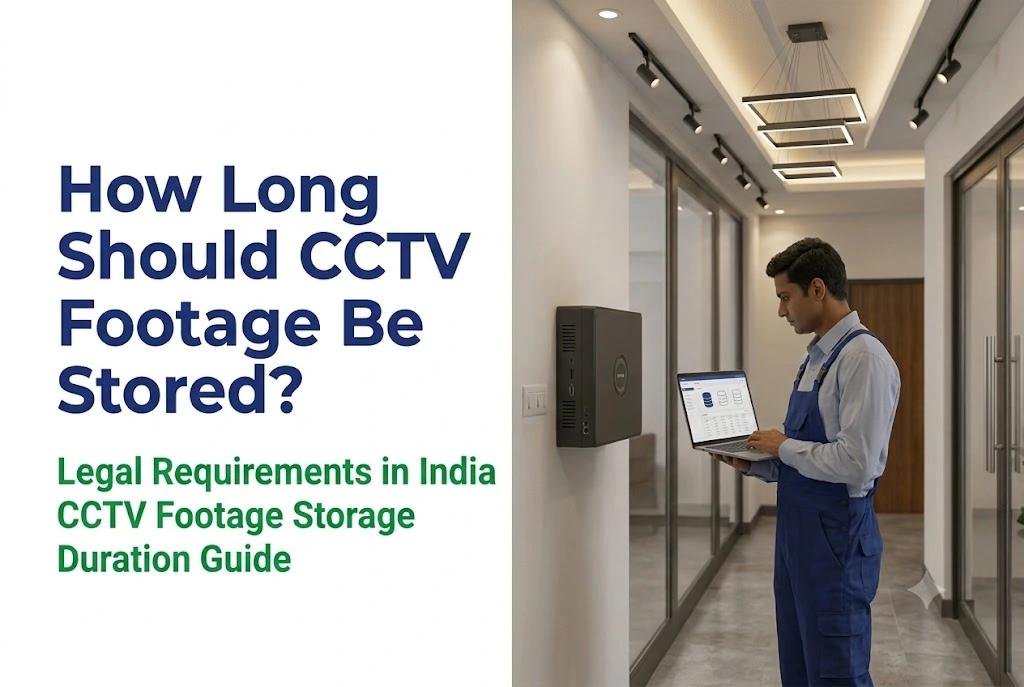
By AlifTech Secure | CCTV & Security Solutions, Indore | June 2026 | www.aliftechsecure.in
Why CCTV Footage Storage Duration Matters More Than You Think
A theft happens in your shop. You open the DVR, scroll back three weeks, and the footage is already overwritten. The cameras worked perfectly. The evidence is gone.
That is the most common and most avoidable failure in Indian CCTV installations. Most owners never think about retention until an incident forces it, and by then the decision was made months ago by whoever left the default setting alone.
There is a second problem almost nobody plans for. Even when the footage still exists, getting a court to accept it takes more than handing over a pen drive.
Quick Answer
- India has no single law setting one retention period for everyone.
- The DPDP Act requires a documented purpose and deletion after it, not indefinite storage.
- Practical norms: homes 15 to 30 days, shops and factories 30 to 60, banks 90 days or more.
- 7 days is almost never enough, because incidents surface during monthly audits.
- Court evidence needs a Section 63 certificate under the Bharatiya Sakshya Adhiniyam, signed by two people and carrying a hash value.
Is There a Law That Sets CCTV Retention in India?
No single one. Several frameworks apply depending on what you run and where.
The DPDP Act, and who it actually covers
The Digital Personal Data Protection Act treats CCTV footage as personal data, since it captures identifiable people. So a business must store it only as long as its stated purpose justifies, then delete it.
One nuance most articles miss. The Act exempts processing for purely personal or domestic purposes. A camera on your own house, watching your own gate, sits outside these obligations. The rules bite when you are a business recording customers, staff or visitors.
Sector requirements
Banks and financial institutions face the strictest expectations, commonly cited at 90 days minimum, with 180 days quoted for branch operations. Government establishments and critical infrastructure are generally advised to hold at least 30 days. Several state police advisories recommend 30 to 60 days for commercial establishments.
If you are bidding on a government or PSU tender, the retention figure will be written into the security specification. Read it before sizing storage, because moving from 30 days to 180 days multiplies your hard disk requirement six times.
Sector-Wise Retention Guidance
Practical norms rather than universal legal minimums, except where a regulator applies to you.
| Establishment | Suggested retention |
|---|---|
| Home or residential | 15 to 30 days |
| Retail shop or showroom | 30 to 60 days |
| Factory or manufacturing | 30 to 60 days, longer at dispatch and stores |
| Bank, NBFC, financial | 90 days minimum, often 180 |
| Hospital or clinic | 30 to 90 days |
| School or college | 30 to 60 days |
| Hotel or hospitality | 30 to 90 days |
| Government establishment | 30 days minimum |
| Critical infrastructure or data centre | 90 days to 1 year |

Making Footage Actually Usable in Court
This is the part that costs people cases, and almost no CCTV article covers it properly.
The Bharatiya Sakshya Adhiniyam came into force on 1 July 2024, replacing the Indian Evidence Act, 1872. Its Section 63 replaced the old Section 65B and governs electronic records, including CCTV footage.
Footage is admissible without producing the original recorder, but only when a certificate under Section 63(4) accompanies it. Courts routinely refuse digital records that arrive without one, however genuine the recording is.
What the certificate now requires
The Schedule sets out a two-part certificate, and this is what changed from the old law:
- Part A is signed by the person in charge of the device, meaning you or your security manager.
- Part B is signed by an expert.
- The certificate must state the hash value and the algorithm used, so the court can confirm the file was not altered after export.
- It must accompany the record every time it is produced before the court, not just once.
What this means practically
Do not film the monitor with a phone. Do not let anyone re-encode the clip. Export the original file from the recorder, record the hash at the point of export, and keep the export log.
So when an incident happens, the sequence is: identify the footage, export it properly, generate the hash, and preserve the source drive if the matter looks serious. Getting this wrong turns good footage into inadmissible footage.
Why 7 Days Is Almost Never Enough
Most DVR packages ship configured for about a week, and most buyers never change it.
Theft surfaces late. Stock shortfalls and payment fraud usually appear during a weekly or monthly audit, well after a week of footage has rolled over.
Disputes take time. A supplier claiming they delivered goods that never arrived is settled by footage from three weeks ago, if it still exists.
Insurers ask for it. Claims filed two or three weeks after an incident need footage from the incident date.
Cases look backwards. FIRs and investigations routinely reference days or weeks before anyone realised something was wrong.
The working rule: store for at least twice as long as you think you need. If a week feels sufficient, configure a fortnight. If a month feels safe, configure two.
Sizing Storage Properly
Retention depends on four things, and changing any one of them changes the answer.
- Camera count. More cameras, more data per hour.
- Resolution. A 4MP camera generates roughly twice the data of a 2MP camera.
- Recording mode. Continuous fills a drive far faster than motion-triggered.
- Compression. H.265 stores roughly half the data of H.264 at similar quality.
That last pair matters most, because they compound. Switching from H.264 continuous to H.265 motion-triggered can multiply retention several times over on the same hard disk.
| Setup | Drive | Approximate retention |
|---|---|---|
| 4 cameras, 2MP, H.264, continuous | 2TB | About 20 days |
| 4 cameras, 2MP, H.265, motion | 2TB | About 60 days or more |
| 8 cameras, 4MP, H.264, continuous | 4TB | About 10 days |
| 8 cameras, 4MP, H.265, motion | 4TB | About 40 days |
| 16 cameras, mixed, H.265, motion | 8TB | About 30 days |
These are working estimates. Actual figures depend on bitrate, scene activity and frame rate, so ask your installer to calculate against your specific NVR and camera models before buying the drive.
Note what rows one and two show. Same drive, same cameras, three times the retention, purely from configuration. That setting costs nothing and most installers never change it.
Your DPDP Obligations, If You Run a Business
Three practical steps, and none of them is expensive.
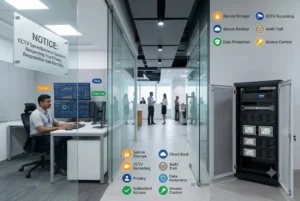
Display a notice. A clear sign at the entrance stating that CCTV recording is in operation. It is both good practice and a deterrent.
Write down your retention period and why. For a shop: “CCTV footage retained for 45 days to investigate potential theft or disputes.” A documented policy shows the duration is purposeful rather than indefinite.
Delete on schedule. Configure automatic overwrite at the end of your retention period. Extract and preserve footage only when a specific incident calls for it, and log that extraction.
Five Mistakes to Avoid
1. Leaving the default at 7 days. The single most common one, and the easiest to fix.
2. Undersizing the drive to save money. The saving is a few thousand rupees. The cost is discovering it during an incident.
3. Letting the drive fill completely. Overloaded drives cause recording failures, so overwrite should be enabled rather than the disk simply filling.
4. Running 4MP continuous on H.264. Switching compression and recording mode often triples retention at no cost.
5. Not preserving incident footage immediately. Export it, hash it, and store it separately the same day. Waiting means it rolls over.
Choosing Your Setup
Homes and small shops
Four cameras, a 2TB NVR, H.265, motion-triggered. That gives roughly two months of footage, which covers most residential and small retail situations without spending more on hardware.
Factories and mid-size businesses
Eight to sixteen cameras on a 4 to 8TB recorder, H.265, motion-triggered on low-risk zones and continuous at dispatch and stores. Make sure the recorder alerts you when drive health degrades, because a failing disk is the most common reason footage is missing when you finally need it.
Banks, hospitals and regulated businesses
Surveillance-grade drives, redundant storage, and a written policy matching your regulator’s figure. Cloud backup on critical feeds protects against both drive failure and someone walking off with the recorder.

Frequently Asked Questions
How long is CCTV footage legally required to be stored in India?
There is no single national retention period for all businesses. The DPDP Act requires a documented purpose and deletion afterwards, while sector regulators set their own figures. Banks are commonly held to 90 days or more, government establishments to 30 days, and commercial premises to 30 to 60 days under state police advisories.
Is CCTV footage admissible as evidence in Indian courts?
Yes, when it comes with a certificate under Section 63(4) of the Bharatiya Sakshya Adhiniyam, in force since 1 July 2024. That certificate has two parts, one signed by the person in charge of the device and one by an expert, and it must carry the file’s hash value.
Do DPDP rules apply to CCTV at my own house?
Generally no. The Act exempts processing for purely personal or domestic purposes, so a camera watching your own property sits outside those obligations. The picture changes if you record a shared corridor, a shop, or employees, since that is no longer purely domestic.
How many days will a 2TB hard drive record?
Roughly 20 days for four 2MP cameras recording continuously on H.264, or 60 days or more for the same cameras using H.265 with motion-triggered recording. Frame rate, scene activity and bitrate all shift the answer, so ask for a calculation against your actual camera models.
What should I do immediately after an incident?
Export the relevant footage from the recorder the same day, before it rolls over. Keep the original file rather than a phone recording of the screen, note the hash value at export, and preserve the source drive if the matter is likely to reach court.
See our CCTV installation service across Indore and MP, or an AMC plan that includes drive health monitoring. Get in touch for a site visit.
The Short Version
India gives you a framework rather than a number. Have a purpose, write it down, store long enough to be useful, and delete on schedule.
Then make sure the footage would survive contact with a court. Export properly, hash it, and get the Section 63 certificate right, because footage that exists but cannot be admitted is the same as no footage at all.
If your current recorder is running defaults, you probably have a week of history and a certificate problem waiting to happen.
AlifTech Secure — Indore
Call / WhatsApp: +91 9109106826
www.aliftechsecure.in | aliftechsecure@gmail.com
112 Basement, Akbar Ali Complex, MG Road, Palasia Square, Indore — 452001
| Get Your CCTV Storage Setup Right We assess your camera count, configure the right retention period, and install surveillance-grade storage. Call / WhatsApp: +91 9109106826 | www.aliftechsecure.in | Book a Free Site Visit |
AlifTech Secure | CCTV & Security Solutions, Indore MP | www.aliftechsecure.in | +91 9109106826

